At the Bend - Part I
Hello everyone!
Hope there’s more creativity in your life than ever. Here’s a personal project of mine where I play with modular assets and test them in an environment of my choice.
My main goal was to build a nice scenery setup that stays as modular as possible, so I can tweak it to whatever style I want. For that, I needed decent-quality modules — and a good amount of them. After all, it’s hard to build any house with just two roof beams when you need at least three. In this project, I tried to break down the process to be as short and simple as possible, so it’s easy to follow if you’re curious.
Modules
There are many ways to approach modularity, and different projects require different workflows. No studio or team uses exactly the same pipeline, even though we all stick to the basic concept of modularity: breaking complex forms into simpler parts, then combining them again. Funny, huh?
I’ve written before about my tool of choice for parametric setups — Julien’s Auto Building, which suits me well for now. It’s important to note that a modular parametric workflow is different from a fully procedural one. Building a fully procedural system is a different task with different purposes.
Heightfield
I used Houdini’s heightfield system, but just with a generic setup. I really enjoy Houdini, but my goal here was to push Blender as far as possible. I could’ve used a plugin for terrain generation, but that’s for another time. For this project, I just needed a relatively simple ground surface to start from, so I went with Houdini’s heightfield.
Foliage
Foliage is expensive and time-consuming, so I relied on libraries. Still, I had to run through each asset individually as quickly as possible. Using ACES workflow forces you to tweak the color space for every shader — leaf, blade of grass, rock, you name it. Most libraries ship only with JPGs or PNGs… except mine, since I like packing them better.
I used Botaniq and Bagapie trees, which are solid enough. Bagapie Ivy was a real highlight — easily a 5-star tool for me. It does a great job. What surprised me was the lack of a simple scatter system for small flower patches. I thought Gardener would help, but it didn’t. The biggest issue was having to reset up the scatter for each asset again and again, with no way to duplicate or reuse settings across similar assets like grass, moss, or flowers. If you’re using Gardener, it’s best to make a separate library of your own and link/append it in your scene. Personally, I’d build a Geometry Nodes scatter setup for that these days.
Road and Street Elements
I created a procedural system for the road (as shown in the pictures). It’s curve-based, so I can control it however I want, project it onto the heightfield surface, and keep it non-destructive. Then, layer by layer, I added details: debris, sidewalks, rocks, benches, electric poles, and so on. At some point, I split the system due to complexity.
The shader was interesting — I mixed scans with smart masks and patterns. I think it would be useful to pack this setup into a tool, so in the future I can just swap patterns or textures without rebuilding everything.
Textures and Materials
I used tons of procedural textures and several plugins — Fluent Materializer for smart masks and Sanctus for quick, reliable materials. I tried to choose wisely and keep the scene optimized. At some point, I needed a few bakes here and there, but I managed to keep 60–70% of the scene procedural until the very end.
Props
Props are essential. Even if I had unlimited resources to buy libraries, it still wouldn’t be enough. You need props for everything. After browsing around, I realized that not only did I not want to spend money on assets, but also most of them didn’t match the art direction I wanted. So… I started modeling. ^^
Lighting
They say “animation is everything,” others say “no rig, no animation,” or “no model, no rig, no animation.” For me, the truth is: no light, no nothing. You can still enjoy sound, sure, but that’s all.
I tried implementing PSA, but for this project I needed a simple, custom light setup I could split if needed. I also needed volumetrics — not my favorite combo with Cycles, but it worked. I built four different light setups, no plugins, no fancy tricks, just a simple noise texture to imitate clouds plus Blender’s built-in sky system. It did a decent job.
Wrap-Up
In short: I needed a high-quality scene that looked finished, felt finished, but remained flexible enough to sustain my workflow.
If you read all of this — congrats! You’ve earned the 3-Star Pro Reader Master Badge. Cheers!

cam_a_02

cam_a_01

cam_a_03

cam_a_04

cam_c_01

cam_c_02

cam_c_03

cam_c_04
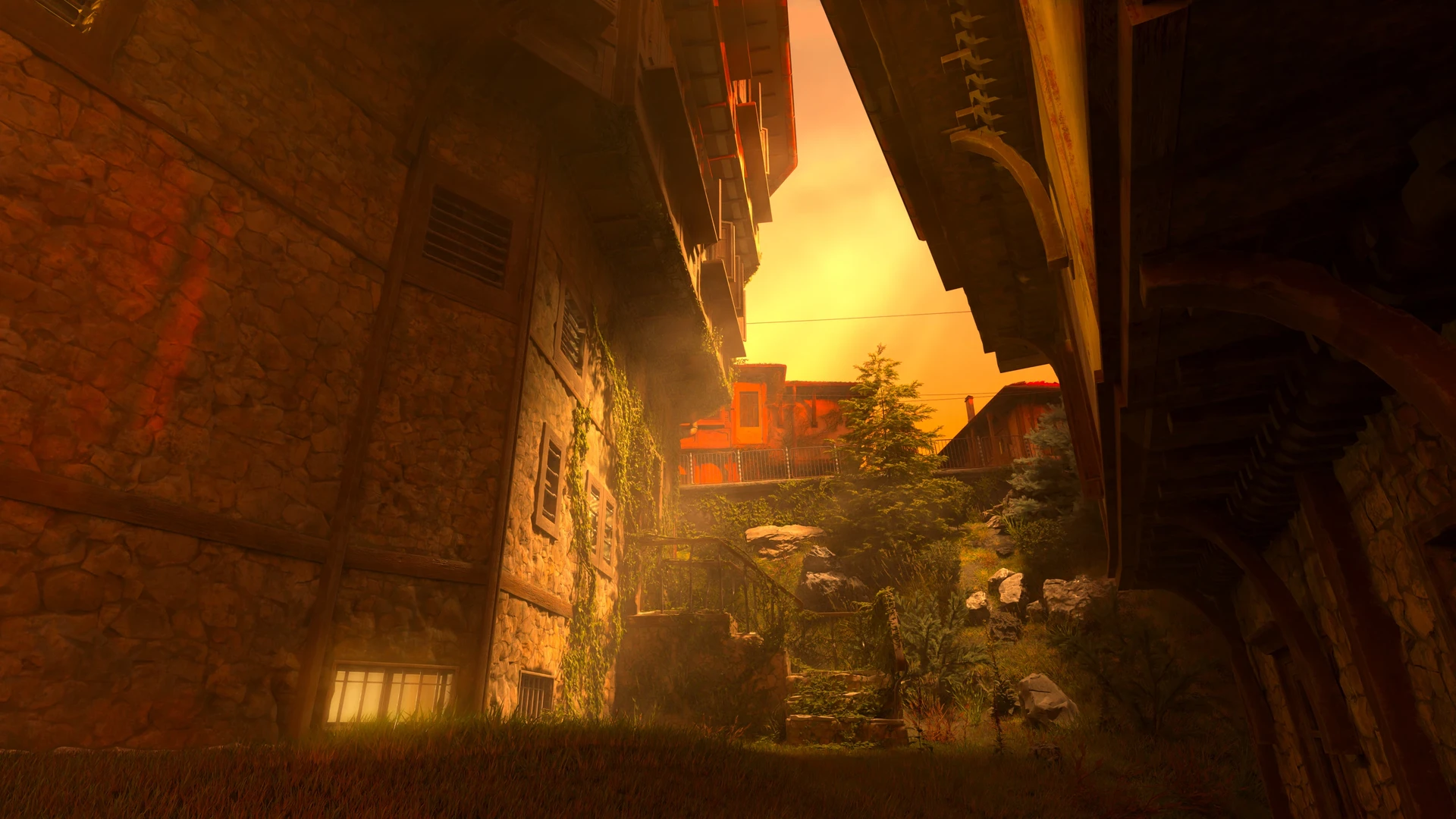
cam_d_01

cam_d_02

cam_d_03

cam_d_04

high detail modularity with tons of versatility
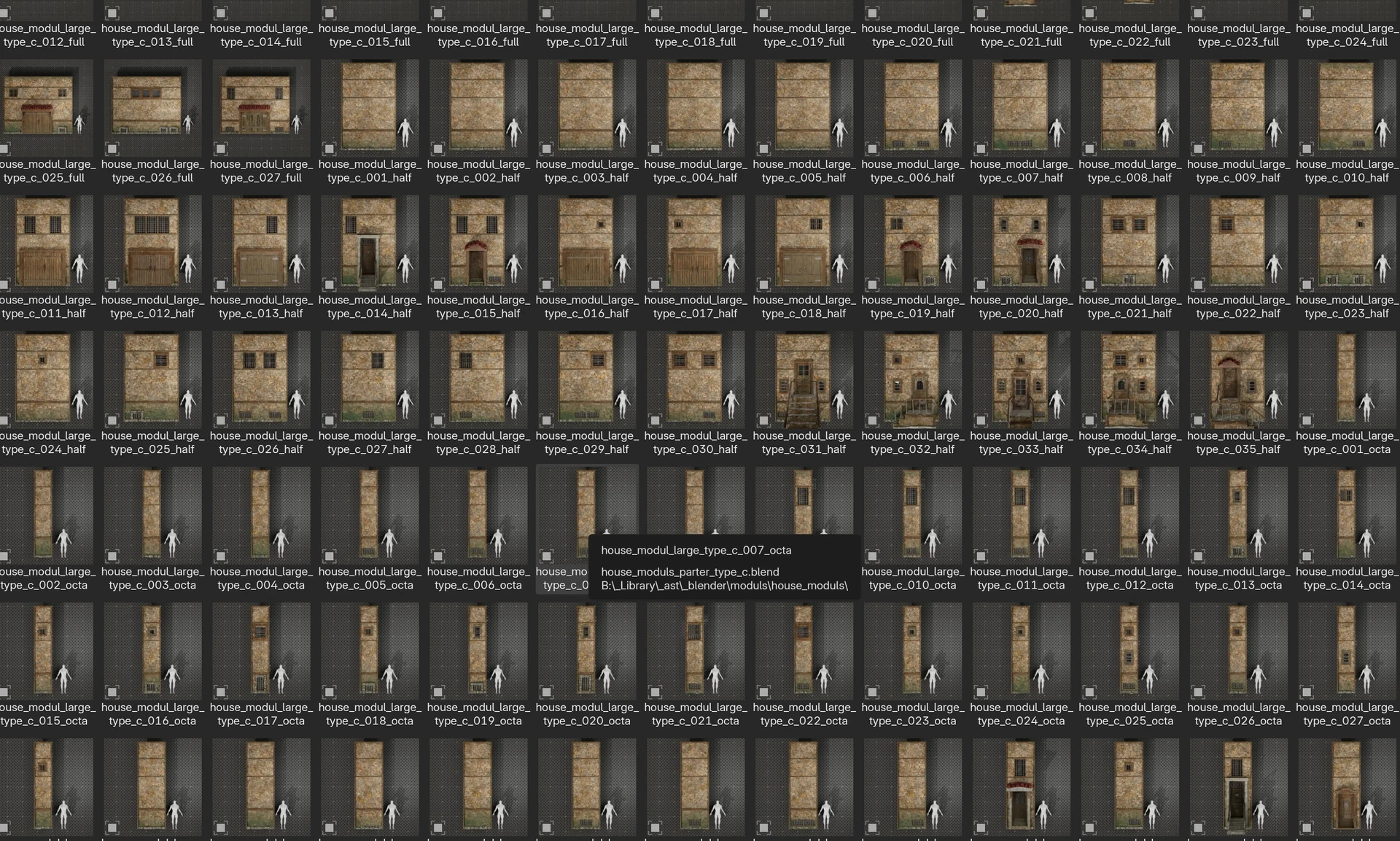
custom modular library examples

custom modular library examples

custom modular library examples

custom modular library examples
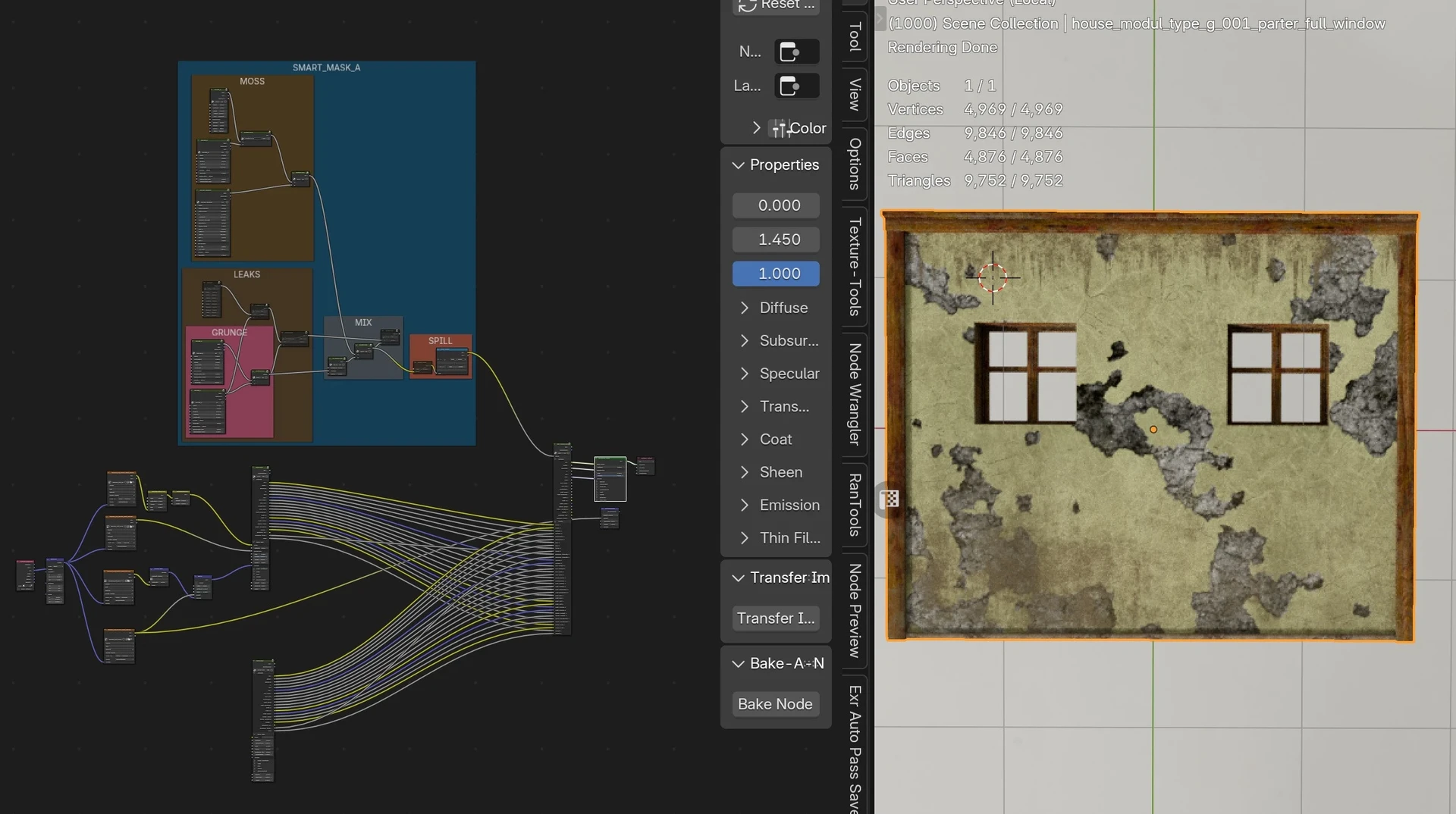
single modul example

single modul example

single modul example

prop example

prop example

prop example

prop example

prop example

prop example

Outsourse Prop Hygene

BagaIvy for Blender

A_Tolls for cable setup

Geo_Scatter for major foliage population

Lighting Setups

Simple Custom Pipe System

Albedo

Specular Gloss

Simple Building non baked

Simple Building non baked

Auto Building Parametric Cube

Modulars wireframe
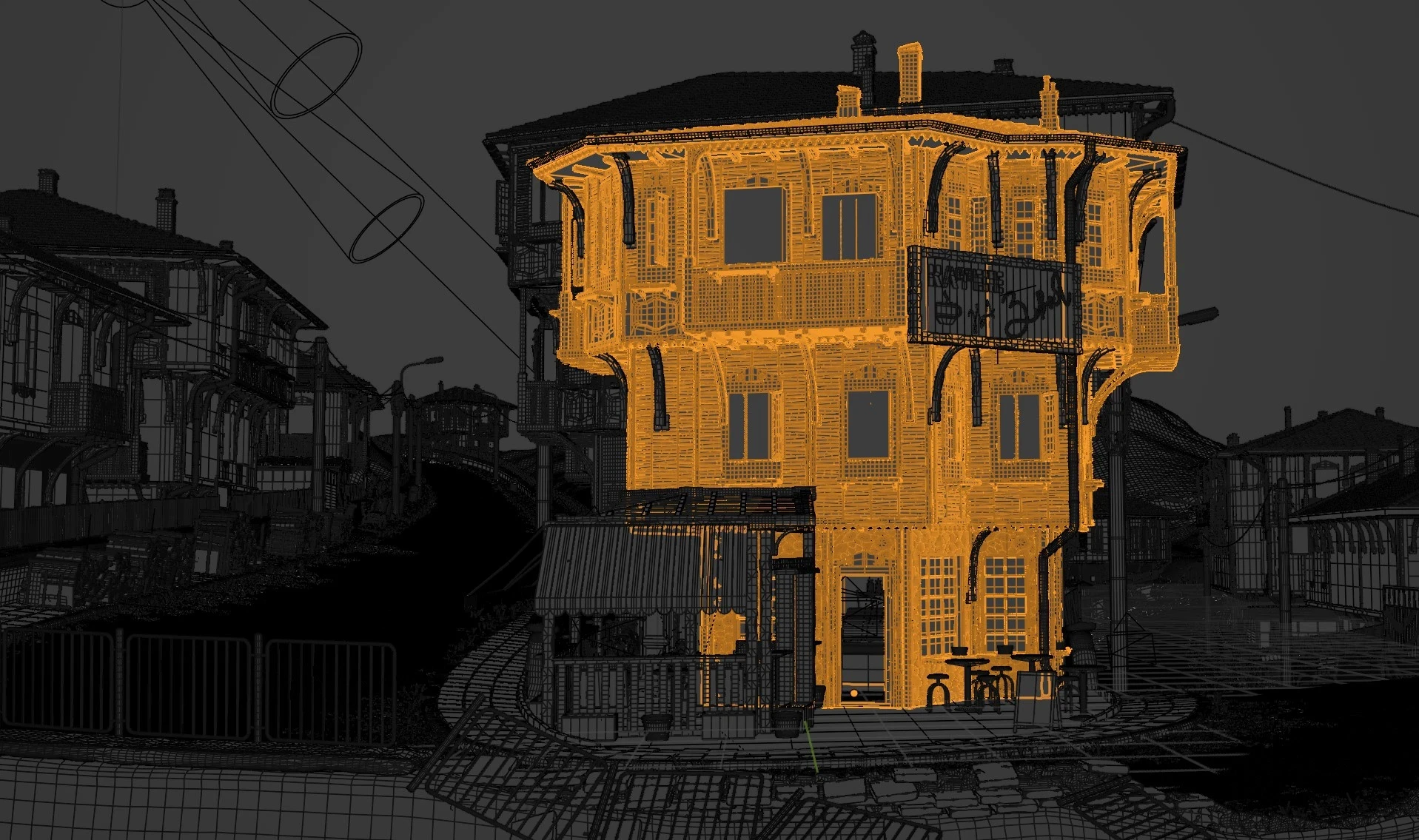
scene wireframe

mood_board